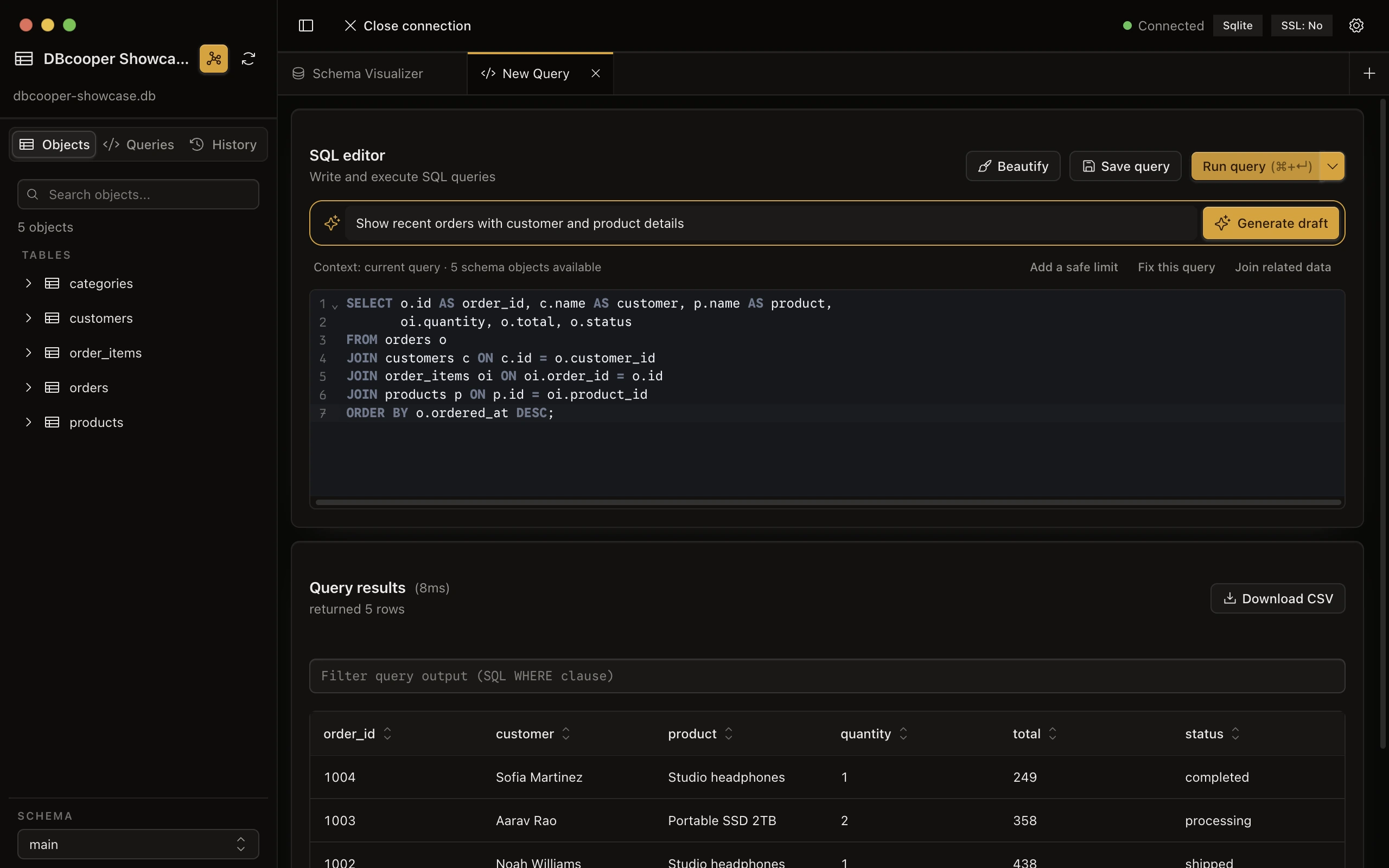
Write SQL with the schema close by.
Generate a contextual draft, inspect every statement, and choose exactly what enters the editor. Nothing runs without you.
- Schema-aware generation
- Streaming SQL previews
- Saved queries and history
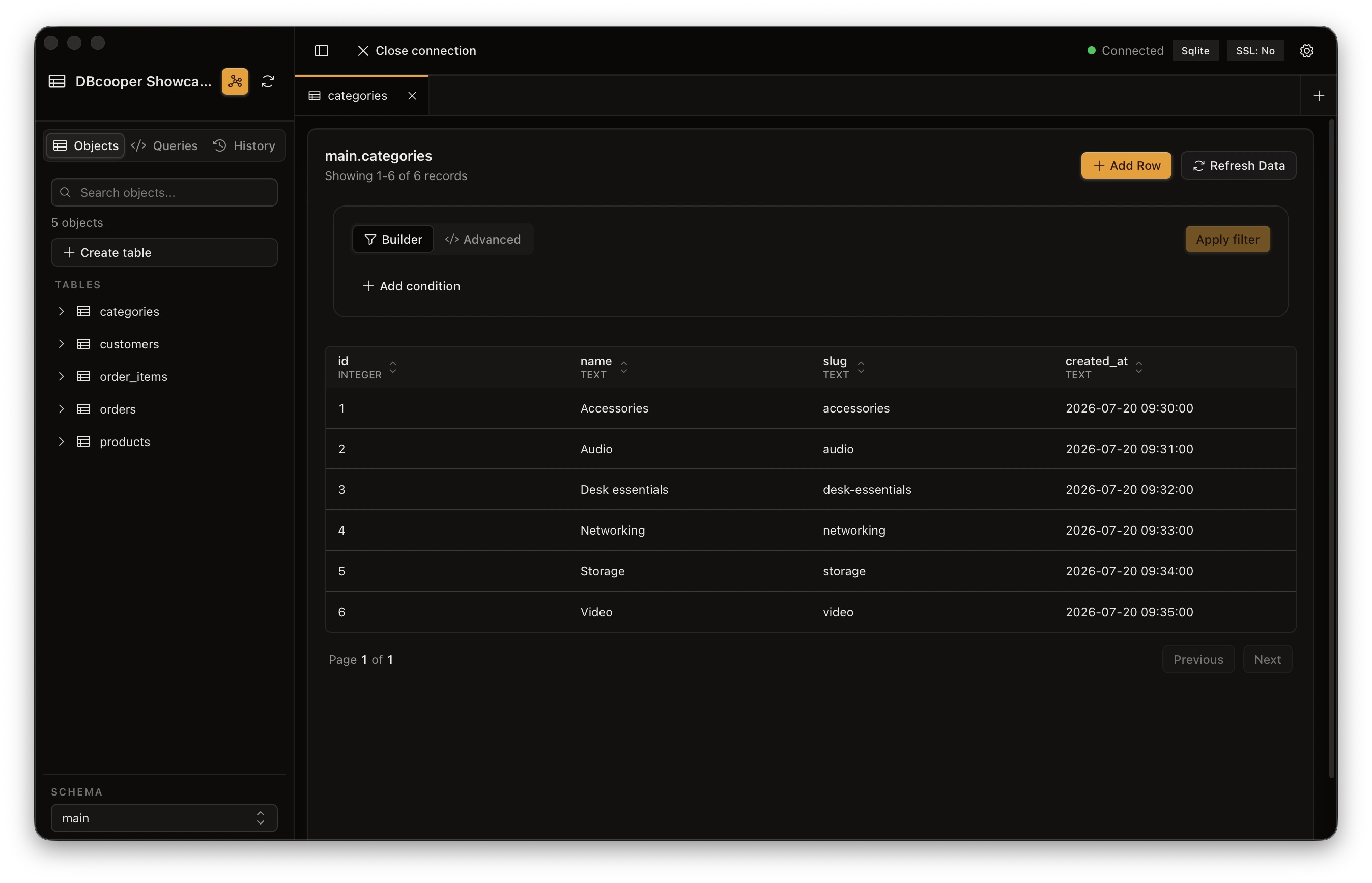
A fast, beautiful client for PostgreSQL, MySQL, MariaDB, MongoDB, SQLite, DuckDB, Redis, ClickHouse & Cloudflare D1. Browse data, run queries, visualize schemas — or just describe what you need and let AI write the query.
PostgreSQL · MySQL · MariaDB · MongoDB · SQLite · DuckDB · Redis · ClickHouse · Cloudflare D1
Generate a contextual draft, inspect every statement, and choose exactly what enters the editor. Nothing runs without you.
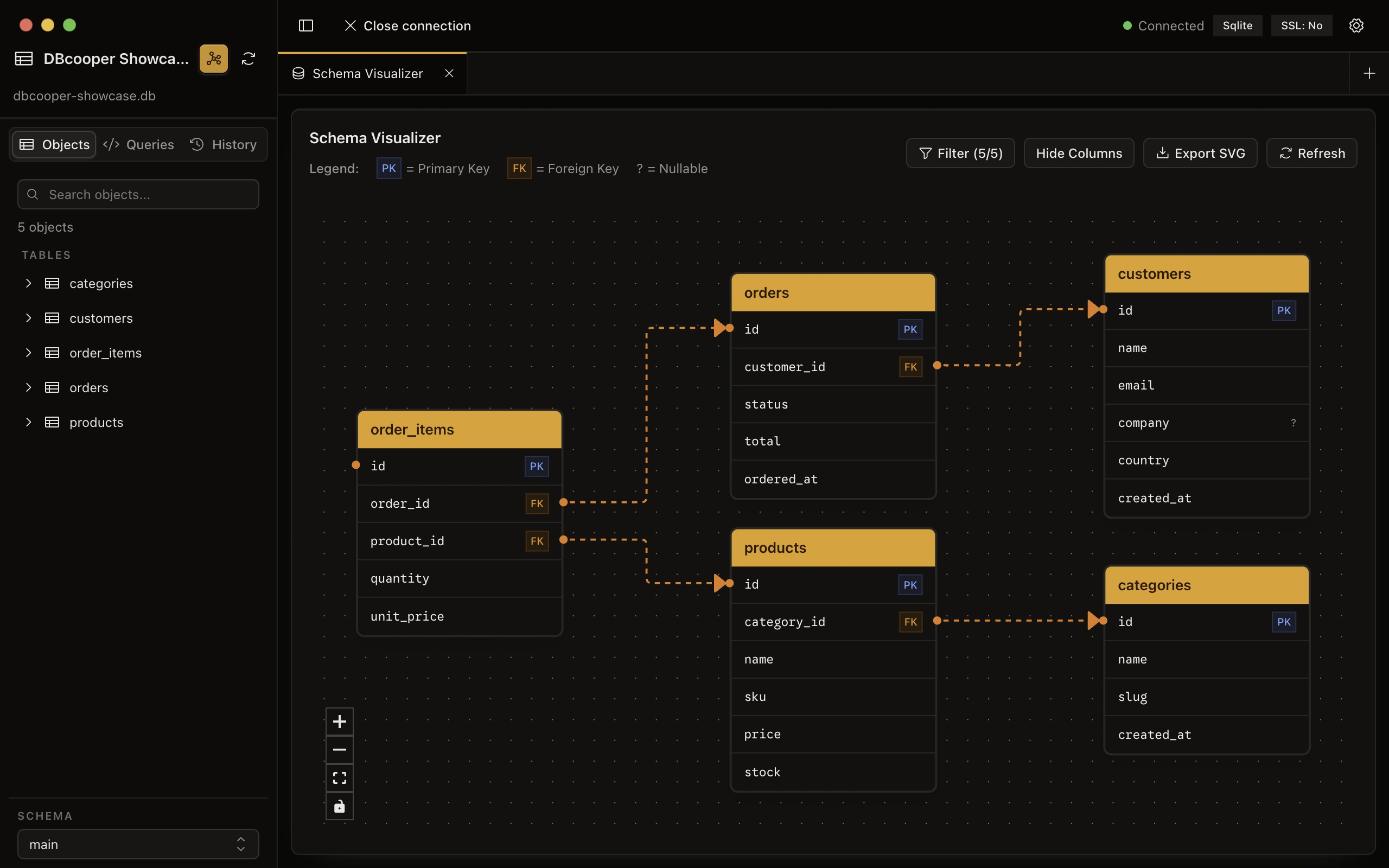
Turn foreign keys into an interactive relationship map, focus the canvas, and move from schema to table in one click.
DBcooper grows along two tracks: a faster workbench and more native adapters. No premium tier, no feature tollbooths.
released
Benchmarked first-window load
released
Safe, visual conditions
released
Preview before apply
released
Filters, sort, layout
exploring
Review changes locally
released
Native table and query tools
released
Purpose-built workflows
released
Relational adapter
released
Remote SQLite at the edge
released
Local analytical files
released
Native document workbench
A focused tool for developers who would rather query than configure.
PostgreSQL, MySQL, MariaDB, MongoDB, SQLite, DuckDB, Redis, ClickHouse, and Cloudflare D1 — every engine in one consistent interface. No context-switching between separate apps.
Create persistent PostgreSQL, MySQL, MariaDB, MongoDB, Redis, and ClickHouse containers or link existing Docker Compose services. Copy credentials, control containers, and keep data by default.
Interactive ER diagrams render your table relationships automatically. See the shape of your data, not just the rows.
Describe what you need in plain English and generate context-aware SQL or MongoDB queries with OpenAI-compatible APIs or your local Claude Code, Codex, and opencode CLIs.
Jump to any table, connection, or action with a keystroke. Keyboard-first, mouse-optional — built for speed.
Reach databases behind a bastion securely. Password or private key — configured once, connected instantly.
Built with Tauri, not Electron. A few megabytes, instant startup, and your credentials never leave the machine.
Short answers about support, privacy, and how DBcooper works.
Yes — completely free and open source. The full source lives on GitHub under the MIT license.
PostgreSQL, MySQL, MariaDB, MongoDB, SQLite, DuckDB, Redis, ClickHouse, and Cloudflare D1 today. More engines are planned for future releases.
DBcooper needs a Cloudflare Account ID and a scoped API token. D1 uses Cloudflare's HTTPS API, so SSH tunnels are not used.
Yes. DBcooper can create a DuckDB file directly. With Docker running, it can also create PostgreSQL 17, MySQL 8.4, MariaDB 11.4, MongoDB 7.0, Redis 7, or ClickHouse 25.8 with a persistent volume and a ready-to-use connection. Quitting the app stops containers it created without deleting their data. You can also link compatible containers from the current Docker context, including Docker Compose services.
DBcooper is macOS-only for now. Windows and Linux builds are being considered.
When adding a connection, enable the SSH tunnel option and provide your SSH host, port, username, and authentication method (password or private key).
DBcooper has no telemetry. Connection credentials stay in its local application store and are sent only to the database service you configure when DBcooper connects.
Open an issue on the GitHub repository. All feedback and contributions are welcome.